ICT & Training
Digital Skills Training
Skills for working, communicating and doing business online.
View service
Not sure which service you need? Tell us the outcome — we’ll recommend the right mix.
04 — ICT & Training
Practical, hands-on computer training for students, job seekers, staff and business owners — from first steps to confident everyday use.
Overview
Computer skills open doors — to jobs, to further study and to running a business more efficiently. Many people simply need a patient, structured place to learn.
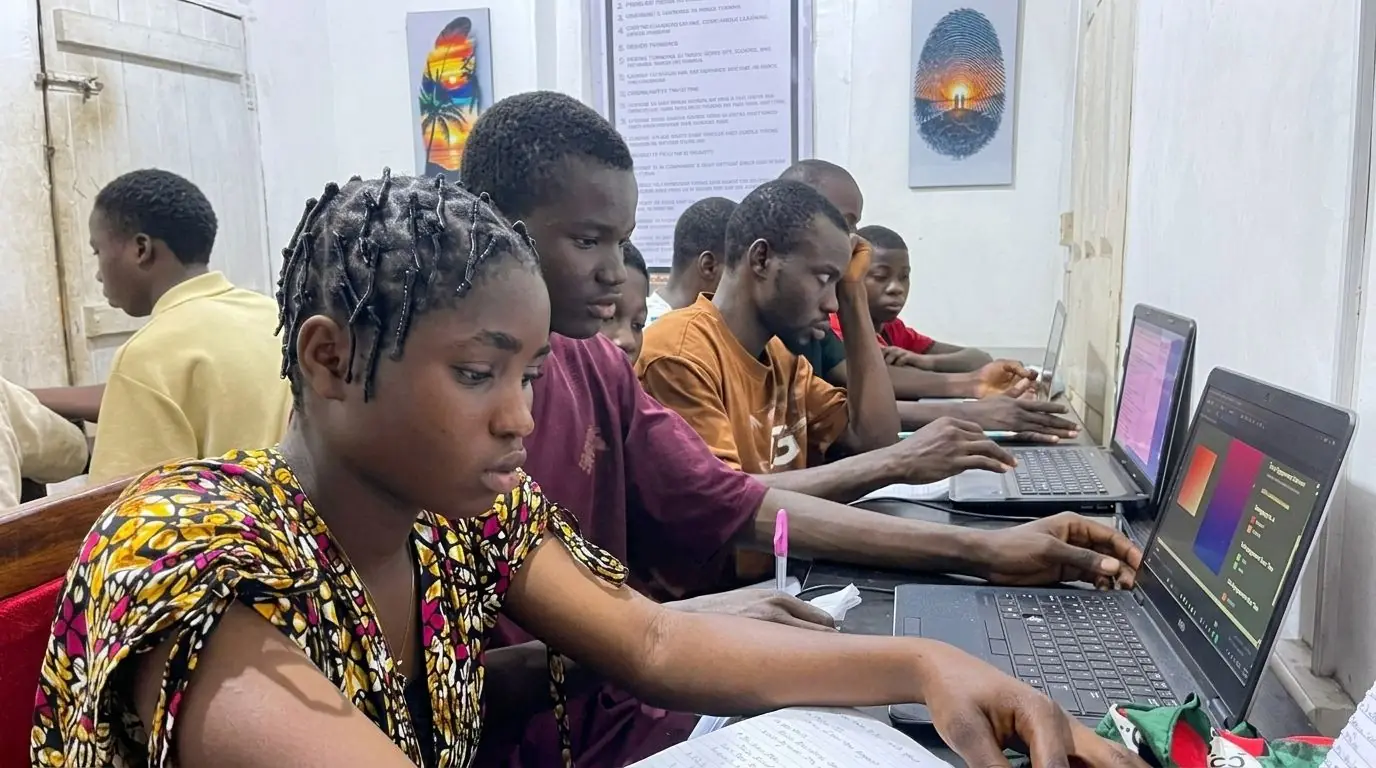
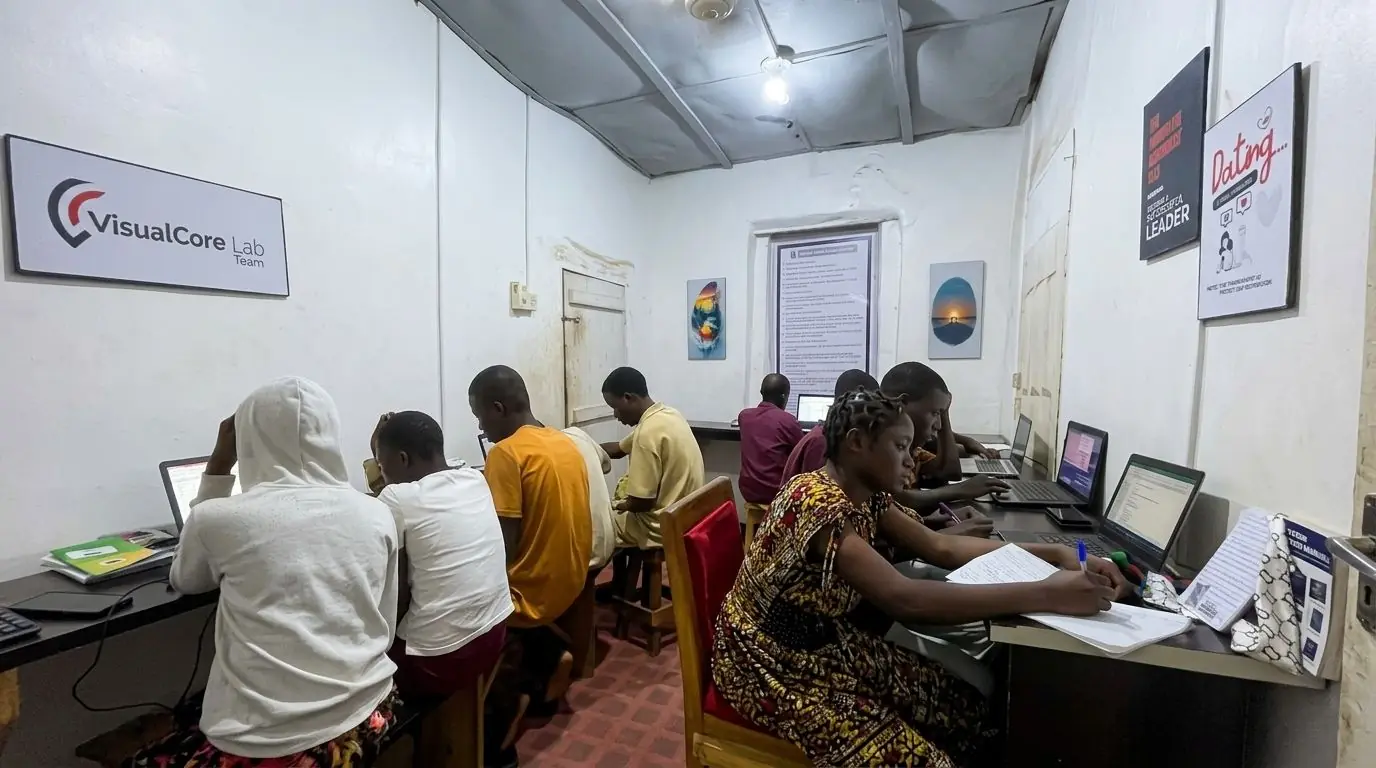
Our training room is set up for hands-on learning. More than 400 people have trained with us: students, staff teams and business owners learning to work confidently on a computer.
What we offer
04 / Computer TrainingEvery job is specified with you before production. Combine any of these in one quote.
Getting comfortable with the keyboard, mouse and files.
Documents, spreadsheets and presentations.
Searching, communicating and staying safe online.
The everyday skills that save hours every week.
Sessions arranged for teams and organisations.
Why Toshworld
Fifteen years in Ondo City. Your computer training is planned, produced and delivered by the people you speak to.
Trainees learn at a computer, doing real tasks — not just watching a screen.
Training starts from where each person is, including complete beginners.
The focus is on the tasks people actually do at work and in business.
Students, staff teams and business owners have trained with us.
Process
Five stepsClear at every stage — you always know what happens next and what it costs.
Tell us who needs training and what they want to achieve.
We confirm each learner's current level and goals.
We agree a timetable and format that works.
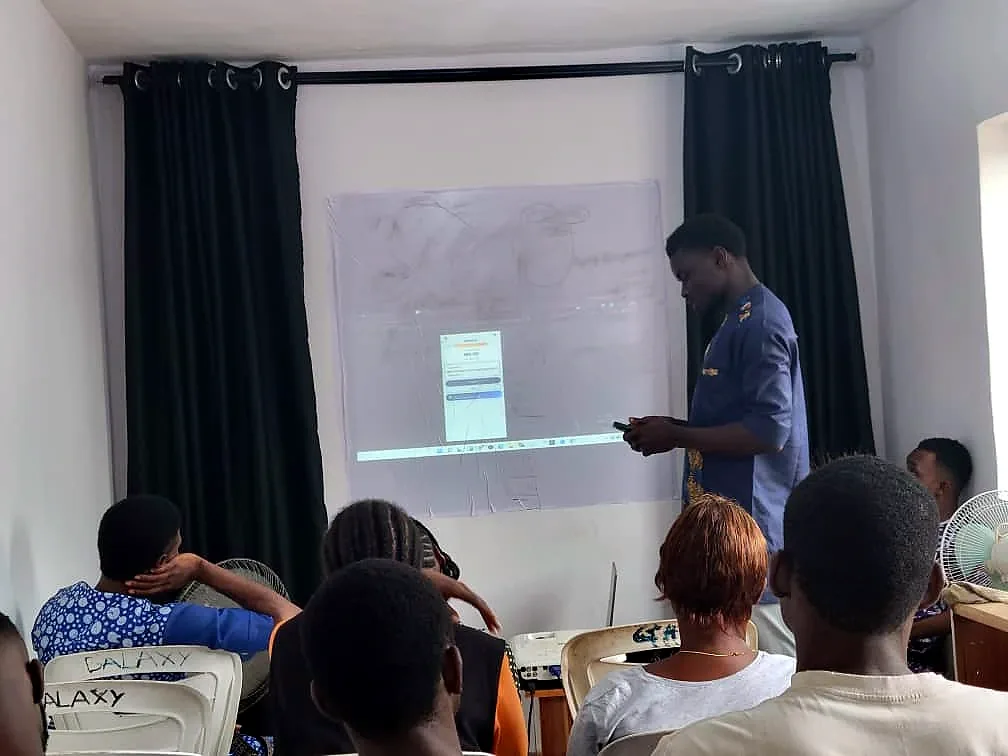
Hands-on sessions in our training room.
Learners practise, then move on to the next level.
Applications
Computer Training for businesses, organisations and individuals across Ondo City. If your use isn’t listed, ask — it probably is possible.
Send the size, quantity and deadline for your computer training — with artwork if you have it — and we’ll reply with a clear quote.
FAQ
Can’t see your question? Ask us directly — we reply on WhatsApp.
No. Training can start from the very beginning, and sessions are paced for the group.
It depends on the programme. Current timetables and durations are confirmed when you enquire.
Yes. Tell us the size of the group and what they need to learn, and we will propose a plan.
Sessions take place at our training room in Ondo City.
Related services
ICT & TrainingICT & Training
Skills for working, communicating and doing business online.
View service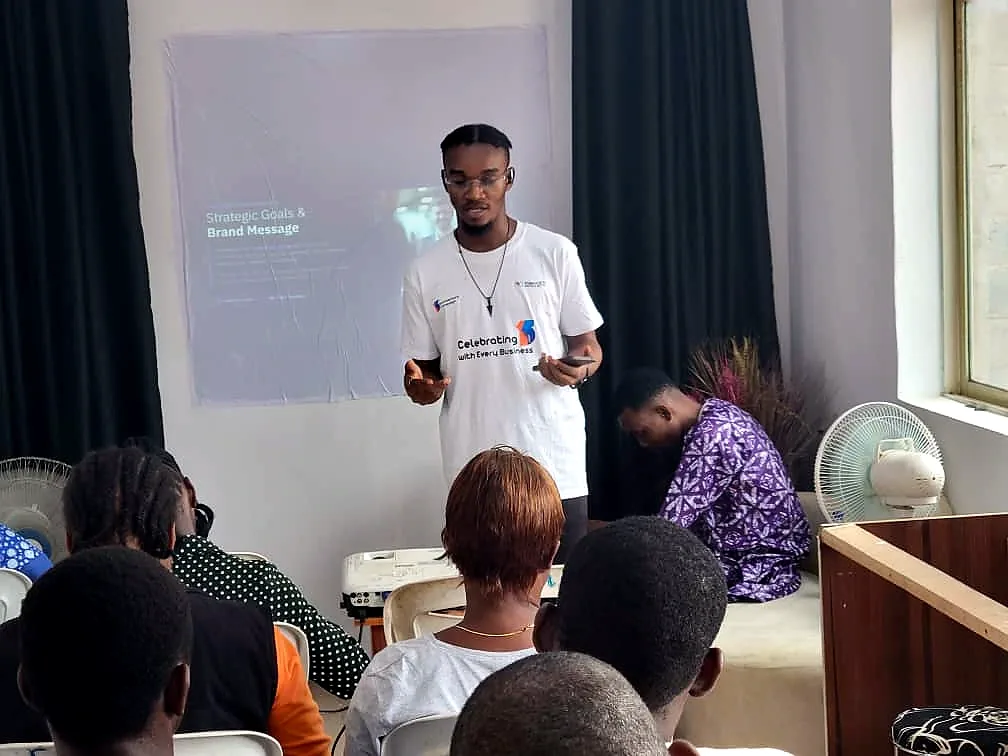
ICT & Training
Practical ICT setup and support for businesses and organisations.
View service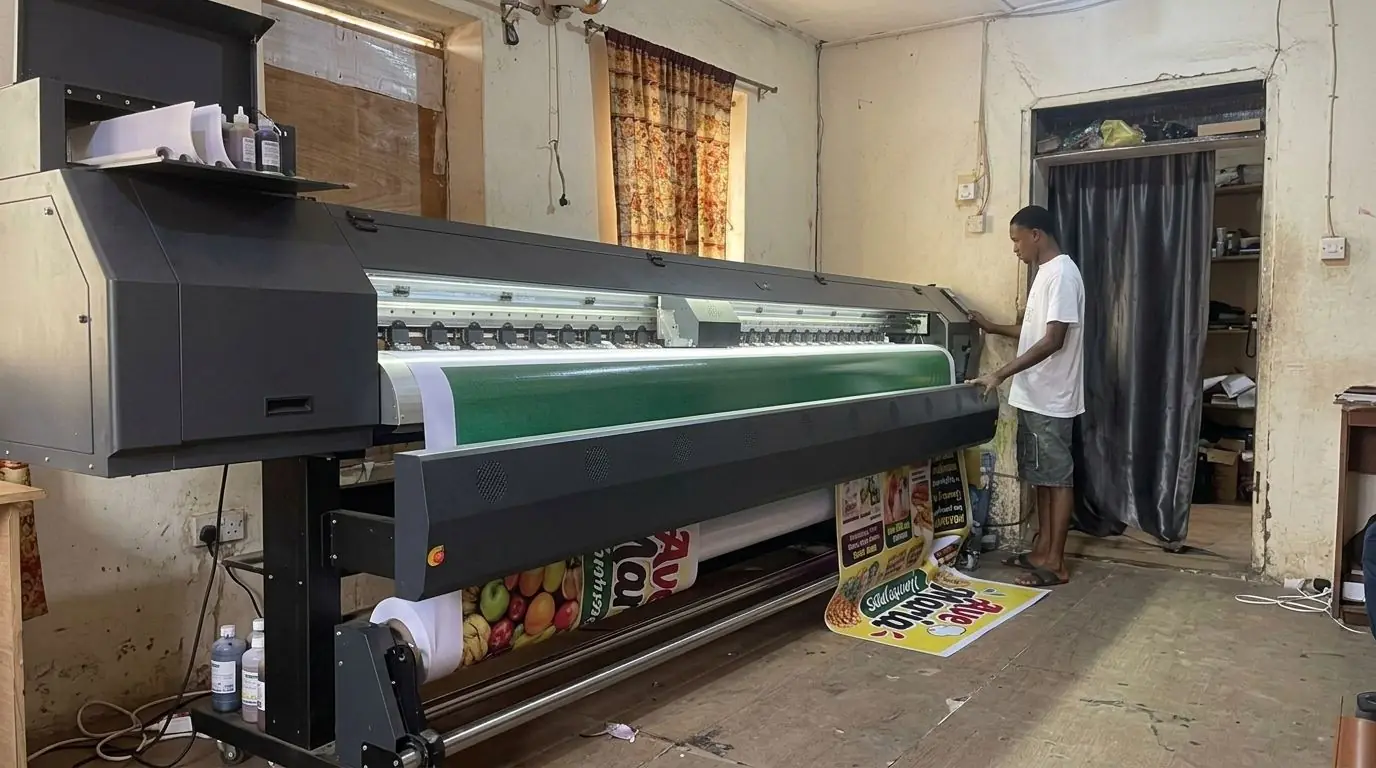
Print & Signage
Full-colour flex banners for shopfronts, events, launches and announcements.
View serviceComputer Training
Send the details for your computer training and we’ll come back with a clear quote.